
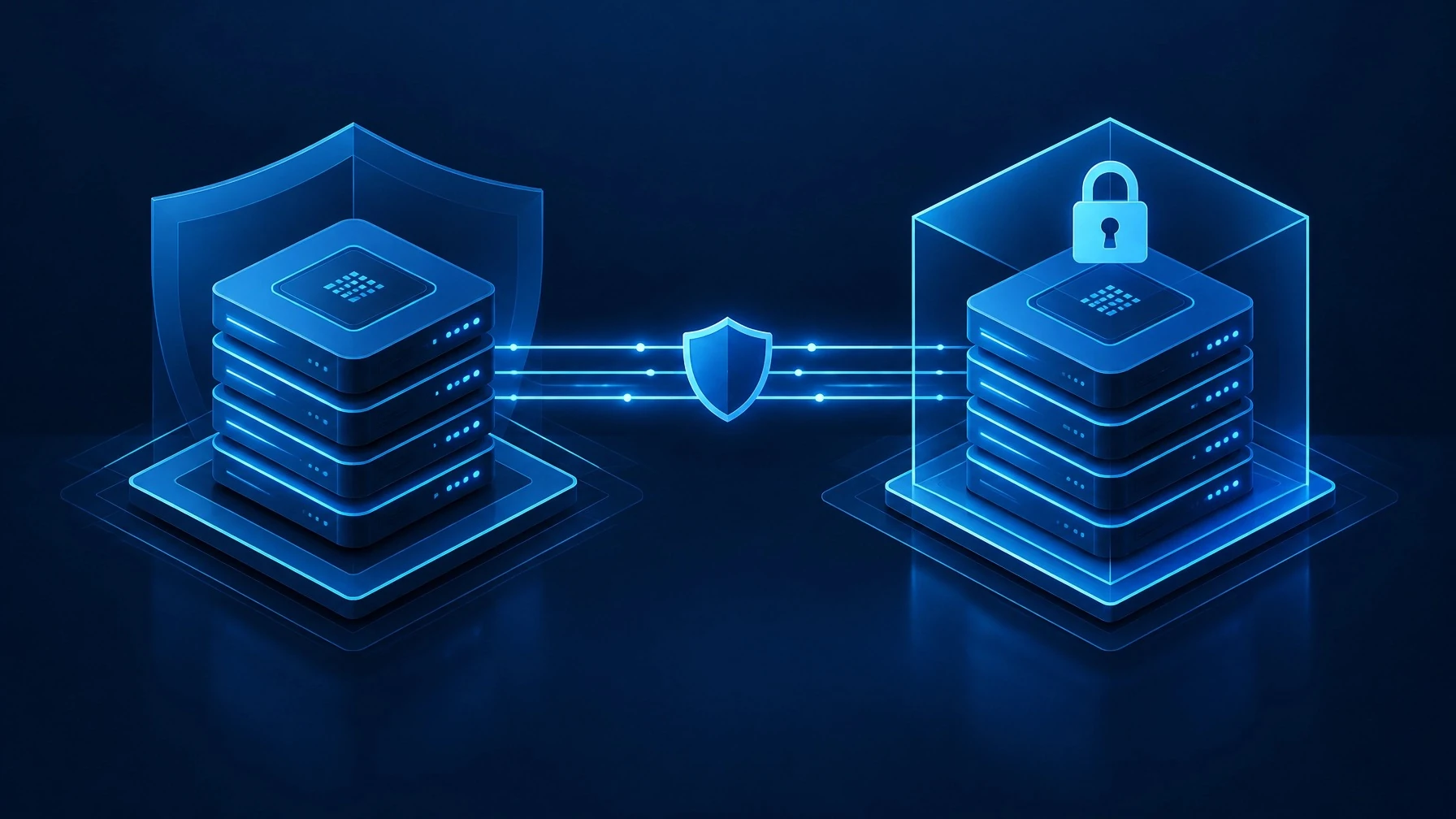
Most organizations believe they are protected because their backups are running. That is a reasonable starting point, but it is not the same as knowing recovery is possible.
A backup job can complete successfully and still leave important questions unanswered:
- Can the data be restored to a usable state?
- How much information would the business lose?
- How quickly could critical systems return to service?
- Could an attacker delete the backups?
- Are Microsoft 365 mailboxes, SharePoint sites, OneDrive files, and Teams data actually covered?
- Has anyone tested the recovery process recently?
These questions are why we view Axcient as more than a basic backup tool. Its x360Recover and x360Cloud platforms are designed to address the broader business continuity problem: protecting data, verifying recovery, isolating recovery copies, and giving organizations practical options when production systems are unavailable.
Backup, immutability, and recoverability are different things
A conventional backup creates a copy of data. That copy may be useful, but the business case is incomplete without three additional controls:
- Immutability: Recovery data cannot be altered or deleted through ordinary administrative actions.
- Verification: The organization has evidence that backup data can be opened, mounted, or restored.
- Defined recovery objectives: Leadership knows the acceptable recovery point objective (RPO) and recovery time objective (RTO).
A 15-minute RPO, for example, means the intended maximum data loss is approximately 15 minutes. An RTO under one hour means the recovery design targets returning systems to service within that period. Those objectives still depend on the environment, configuration, and recovery scope, but defining them turns a general backup conversation into an operational plan.
Axcient x360Recover combines these principles with application-aware backups, long-term retention, immutable recovery points, and recovery testing features. Its chain-free architecture also matters. Instead of relying on a long sequence of dependent backup files, it creates independent, bootable recovery points. If one point is corrupted, the entire history does not necessarily become unusable.
An unverified backup is an assumption, not a control.
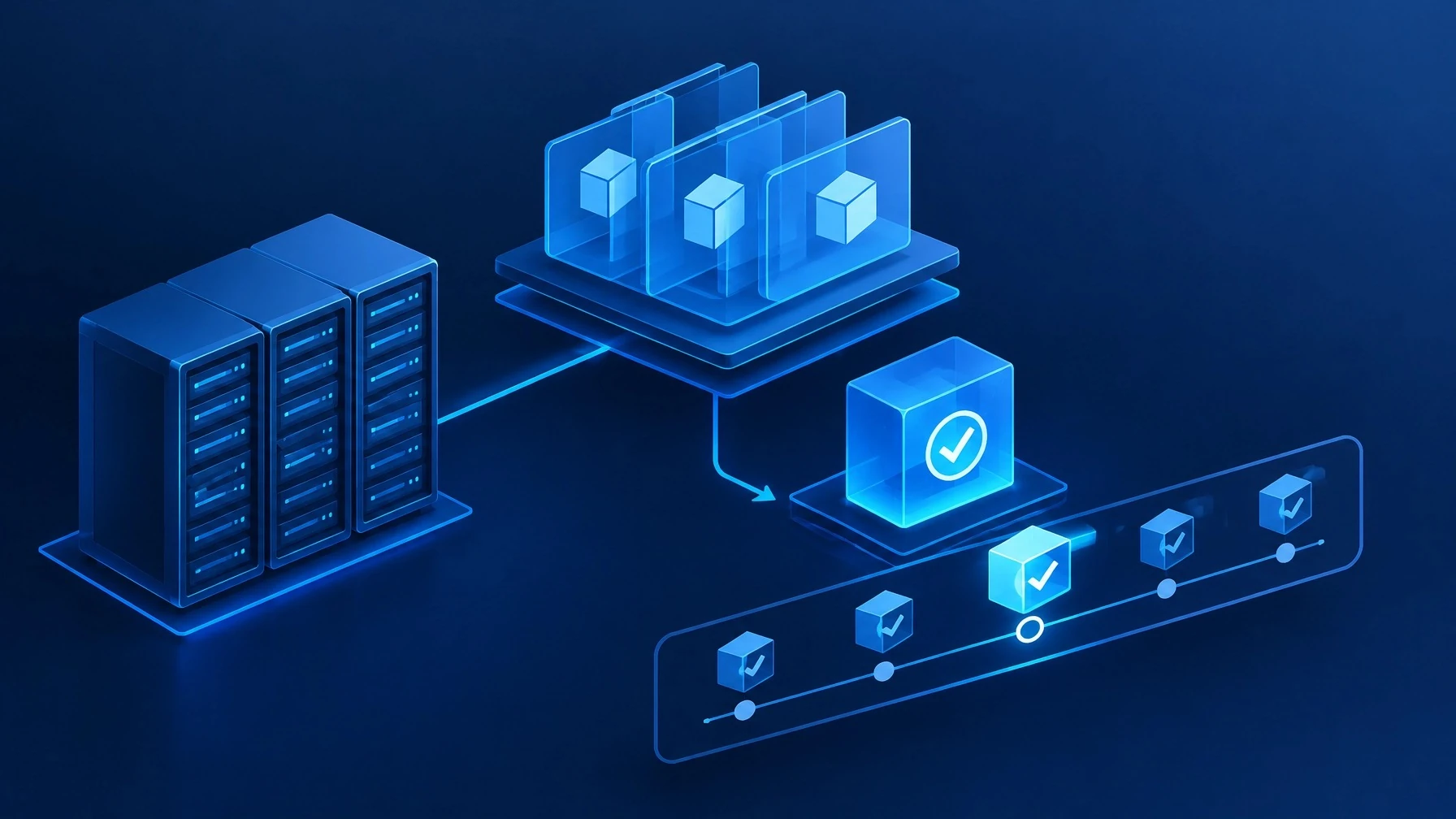
Why AutoVerify and chain-free recovery matter
Axcient's AutoVerify feature automates backup integrity testing. It helps confirm that protected systems can be virtualized and that recovery points remain usable without requiring a technician to perform every test manually.
That distinction is important. Backup monitoring can tell you whether a job ran. Recovery verification asks a more meaningful question: Can we use the result?
The platform also supports Virtual Office, which allows organizations to self-manage disaster recovery and conduct recovery testing in a virtualized environment. Local Cache can accelerate recovery for Direct-to-Cloud deployments by maintaining a local datastore of backup block data.
x360Recover supports appliance-based and Direct-to-Cloud deployment models. Organizations can choose a traditional appliance, bring their own device, bring their own cloud, or use Axcient Cloud. Direct-to-Cloud removes the requirement for an on-site backup appliance, which can be useful for remote endpoints, distributed workforces, and businesses seeking hardware-free protection.
The platform covers Windows, VMware, Linux, macOS, Azure data, and infrastructure-as-a-service environments. It can protect servers, desktops, laptops, workstations, and remote endpoints. Axcient documents a 15-minute RPO and an RTO of less than one hour for x360Recover, subject to the specific design and implementation.
For organizations with geographic availability requirements, Geo+ provides geographically redundant backup copies in the United States. Axcient also identifies x360Recover as SOC 2 certified and describes the platform as supporting HIPAA and GDPR compliance efforts. These capabilities can help organizations build a stronger control environment, but they do not replace an organization's own compliance program.
Learn more about Axcient x360Recover.
Microsoft 365 is not automatically backed up for you
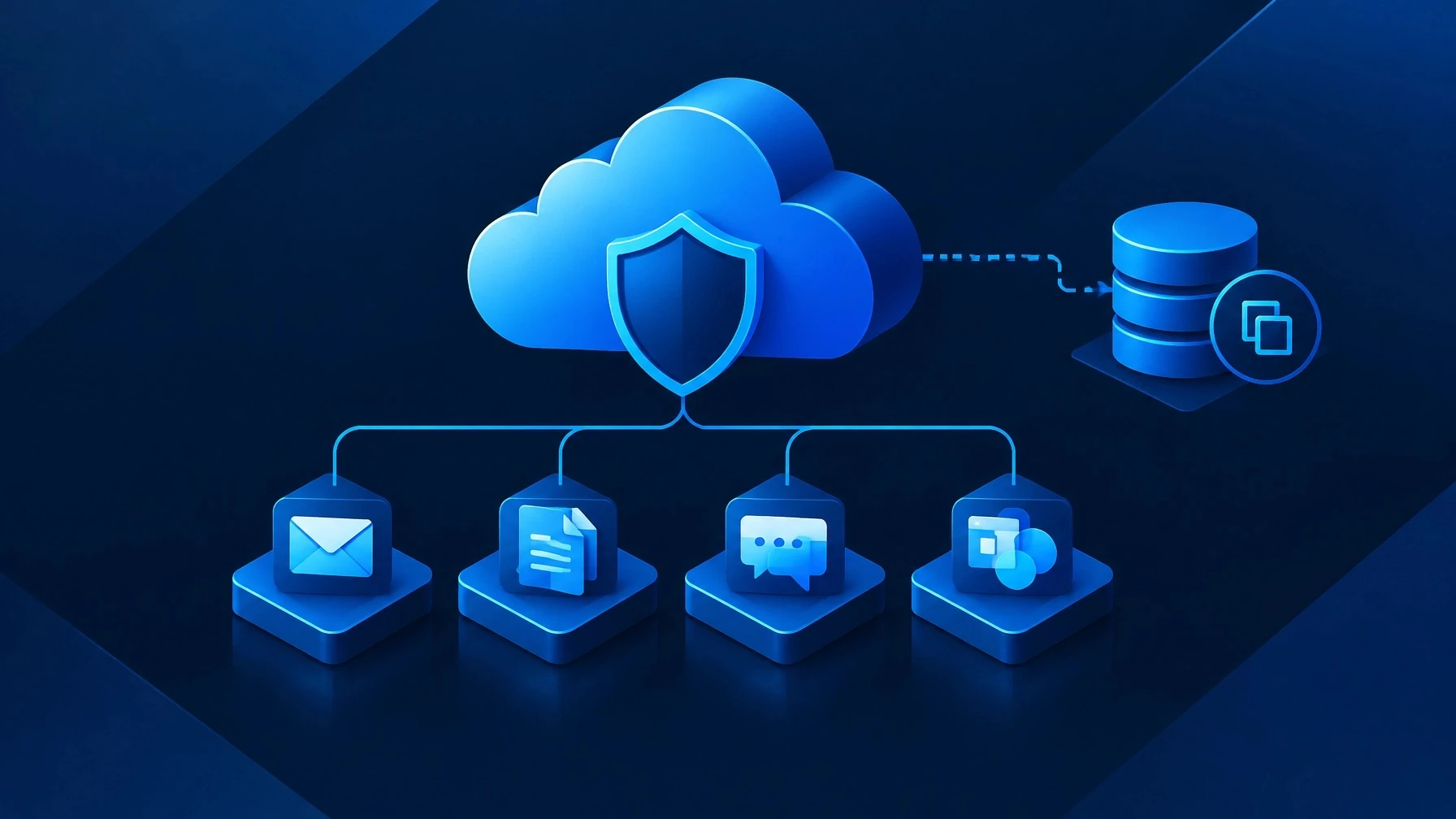
Microsoft 365 is hosted in the cloud, but that does not mean your organization has an independent backup of its data.
Native retention features, recycle bins, version history, and service-level availability controls each serve a purpose. They are not a complete backup strategy for every accidental deletion, malicious insider event, departing employee, ransomware incident, or e-discovery requirement.
A separate backup provides an independent copy and a more deliberate recovery path.
Axcient x360Cloud protects Microsoft 365 data across:
- Exchange Online mail, calendars, and contacts
- OneDrive
- SharePoint
- Microsoft Teams
It also supports Google Workspace data, including Gmail, Calendar, Contacts, Drives, Sites, and Shared Drives.
x360Cloud is designed for rapid onboarding, with setup taking roughly 10 minutes. It automatically discovers and backs up new users, containers, and sites. The service attempts backups up to three times per day and includes a 99.99% backup SLA.
When recovery or investigation is necessary, SmartSearch provides full-text search across more than 100 million objects in under five seconds. Administrators can perform granular or mass restores, restore data across users, recover to a point in time, browse SharePoint folders, and export mailbox data as PST files.
The platform includes 128-bit server-side encryption at rest and 128-bit SSL encryption in transit, MFA-protected access, immutable audit logs, retention policies of up to 10 years, and pooled storage under a flat-fee model. Axcient identifies x360Cloud as SOC 2 certified and describes it as supporting HIPAA and GDPR compliance considerations. Exportable reports and immutable audit logs can also support audits and e-discovery workflows.
Learn more about Axcient x360Cloud.
AirGap changes the ransomware recovery equation
The most important question in a ransomware event is not simply whether backups exist. It is whether an attacker can reach and destroy them.
If ransomware can encrypt production systems and delete the backups, the organization does not have a recovery plan. It has a ransom negotiation.
Axcient AirGap is designed to address that problem through immutable, isolated snapshot protection. It separates a deletion request from the actual execution of deletion. Instead of allowing a backup to disappear immediately, the platform uses time-delayed deletion workflows, honeypots, and multifactor controls to make destructive activity more difficult to complete. Axcient also references independent third-party testing of AirGap. For partners using x360 solutions, AirGap is enabled by default.
Without immutable protected copies
- An attacker compromises a user account or administrative credential.
- Ransomware spreads through production systems.
- The attacker locates backup infrastructure.
- Recovery points are encrypted or deleted.
- The organization must determine whether any usable copy remains.
- Recovery becomes slower, more expensive, and less certain.
With protected AirGap recovery points
- Production systems are compromised.
- The attacker attempts to encrypt or delete backups.
- AirGap separates the deletion request from deletion execution.
- Time delays and additional controls create an opportunity to identify the attack.
- Protected recovery points remain available for restoration.
- The recovery team can select a clean point in time and begin restoring operations.
AirGap does not prevent an organization from being compromised, and no product eliminates the need for sound identity, endpoint, network, and administrative controls. Its value is more specific: it helps prevent a successful attack from becoming a total loss of recovery data.
What leadership should demand from any backup platform
Whether an organization chooses Axcient or another platform, leadership should require clear answers to these questions:
- Are recovery copies immutable and isolated from production threats?
- Are backups automatically verified, not merely reported as completed?
- Are RPO and RTO targets defined for critical systems?
- Have those targets been tested in the current environment?
- Are there independent copies in separate locations or services?
- Does the solution protect Microsoft 365 data, including Exchange, SharePoint, OneDrive, and Teams?
- Are retention policies, audit logs, and reports available when needed?
- Who owns recovery decisions and technical execution?
- Is there a documented recovery runbook?
- Has the team practiced restoration, including a full-system or site-level scenario?
The answers should be documented rather than assumed. A recovery plan is a business process, not just a software subscription.
How Splashwire approaches backup and recovery
At Splashwire, we approach data backup and recovery as a managed service. We begin by assessing what the organization has, what it needs to recover first, and where current protection may be incomplete.
Our work can include:
- Backup and recovery assessments
- RPO and RTO planning
- On-premises, cloud, virtual machine, and SaaS protection
- Microsoft 365 backup
- Immutable and isolated recovery copies
- Backup monitoring and alerting
- Restore testing and recovery validation
- Retention policy design
- Recovery runbooks and documentation
- Restoration support during a disruption
Axcient is valuable because it brings server, endpoint, cloud, and Microsoft 365 protection into a platform with flexible deployment options. Splashwire's role is to help translate those capabilities into an operating model: properly scoped protection, clear ownership, ongoing monitoring, scheduled testing, and a practical path to restoration.
You can learn more about our approach on the Splashwire Data Backup & Recovery page.
Current promotion
For a limited time, organizations that sign a new agreement for Axcient backup protection receive six months free.
This promotion applies to new agreements for Axcient backup and is intended as a practical incentive, not a reason to postpone action. We view those six months as time to get protection properly deployed, verified, and tested before the first invoice, rather than time to delay the decision.
Splashwire can confirm current eligibility, scope, and terms through a brief conversation.
A practical next step: a backup and recovery readiness review
A promotion or assessment is worthwhile when it produces useful answers, not just a product demonstration.
Splashwire can provide a no-obligation backup and recovery readiness review that examines:
- Current backup coverage and job health
- Whether recovery points are actually recoverable
- Microsoft 365 and server protection
- Immutability and isolation controls
- Retention and reporting practices
- Defined RPO and RTO targets
- Recovery ownership and documentation
- Gaps that could delay restoration
The result is a practical summary of where the organization stands and what steps would improve its recovery readiness. In some cases, the right answer may be to adjust the existing platform. In others, it may be to consolidate tools or introduce a more complete business continuity design.
Disclaimer: Recovery outcomes depend on the environment, protection scope, configuration, testing frequency, implementation discipline, and the specific systems involved. Documented platform capabilities and target RPO or RTO values do not guarantee a particular result for every organization.
If you want to determine whether your current backups would support a real recovery, contact Splashwire at contact@splashwire.com. We can review your current approach, confirm whether the current limited-time offer for six months free on a new Axcient backup agreement applies to your environment, and help outline a more confident path forward.